You can view, fill out, and submit intake forms from the client portal if your lawyer uses the portal feature.
Access an Intake Form
To access an intake form from the client portal:
- Log into the client portal.
- From the top right area of the page, click Select.
- Select the desired form from the drop-down.

Fill Out and Submit an Intake Form
After you've selected the desired form it will populate, and you can fill it out.
- Fill out the fields in the form.
Fields marked with an asterisk (*) are required.
- Click SUBMIT at the bottom right of the form to submit it back to the firm.
Accessing on the Updated Client Portal Interface
If you're using the updated Client Portal (which you can read about in Access the Client Portal,) Intake Forms are instead submitted via the Forms tab.
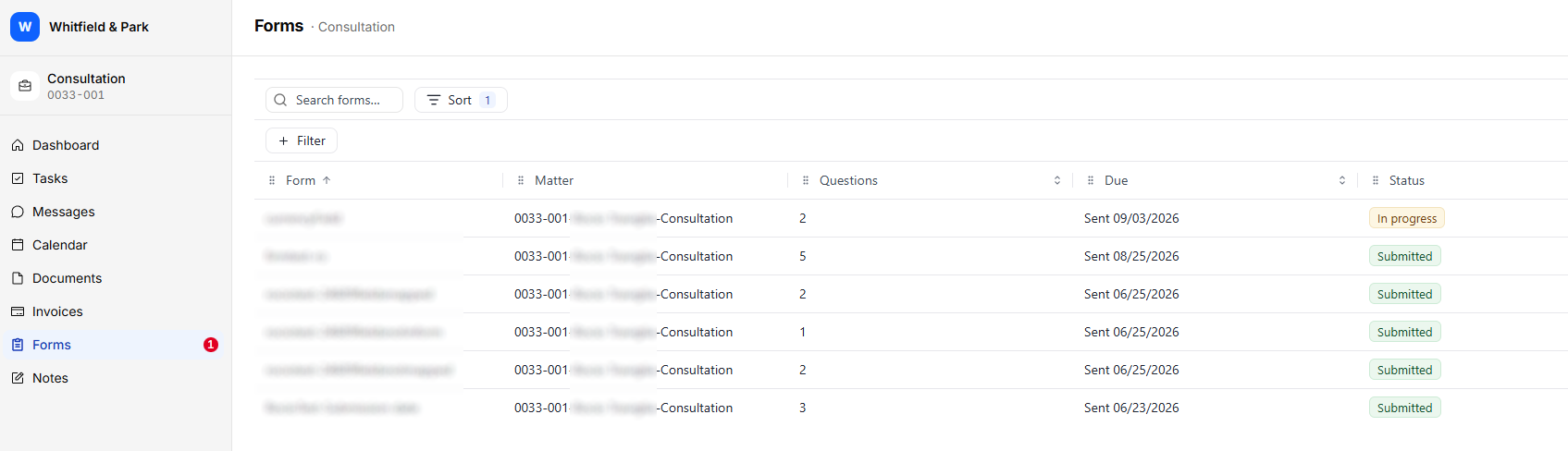
From this tab, any Intake Form with "In Progress" or "New" status can be opened, completed and submitted. Simply press on the eye icon to get started.