How to integrate leads from Facebook to Rocket Matter CRM
Route Facebook lead-ad submissions into Rocket Matter CRM automatically.
This would require:
- Facebook account information
- A Zapier account. Facebook does not have a direct webhook integration
Zapier Step-by-Step Guide
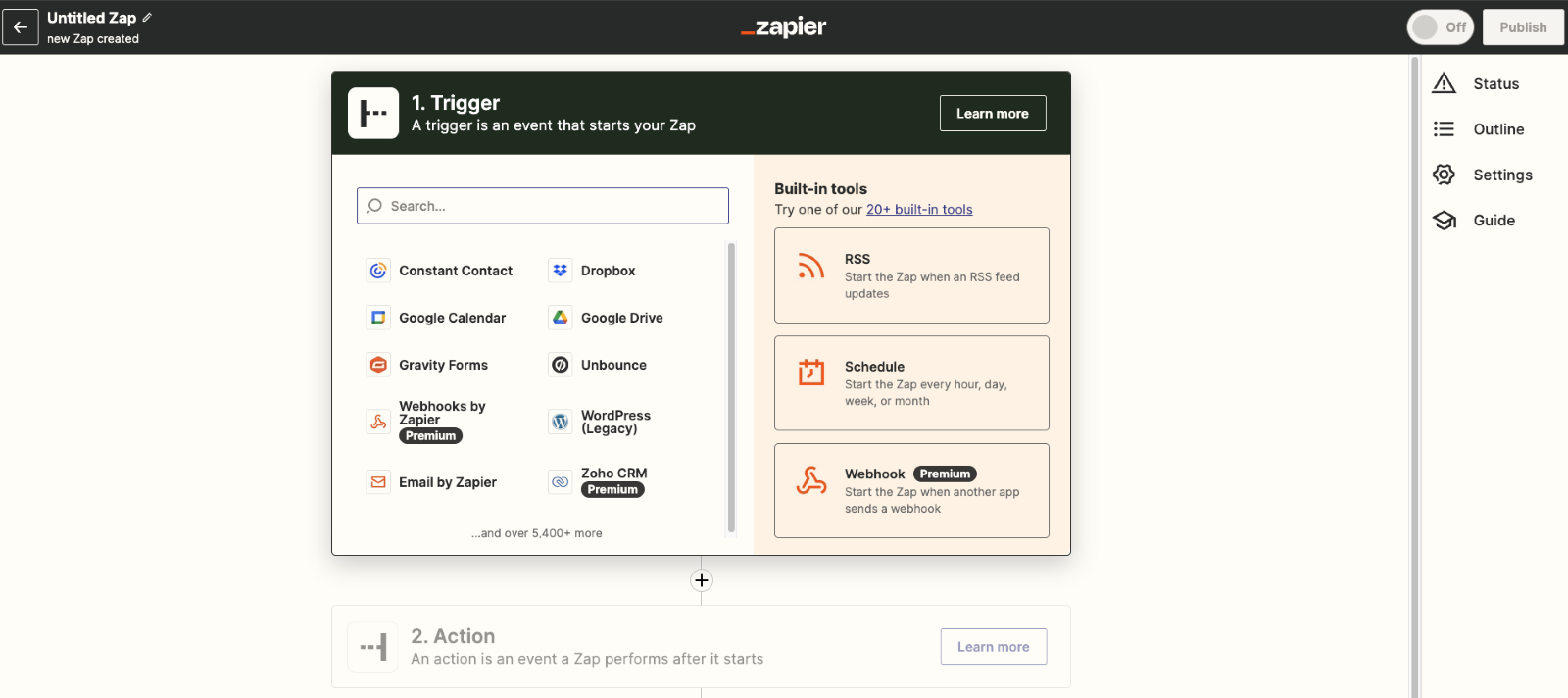
- Create a new zap.
- Search for and select "Facebook Lead Ads."
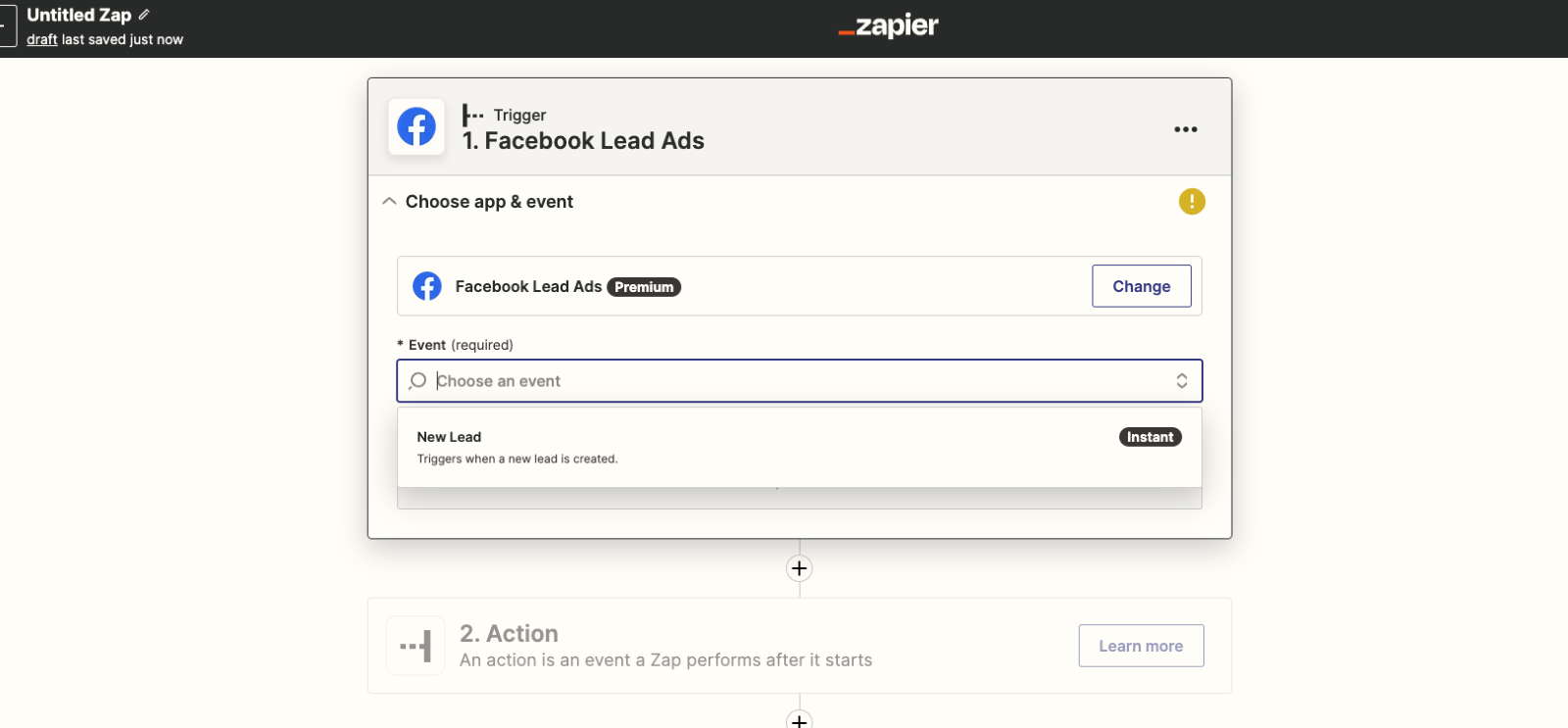
- Choose New Lead from the event menu
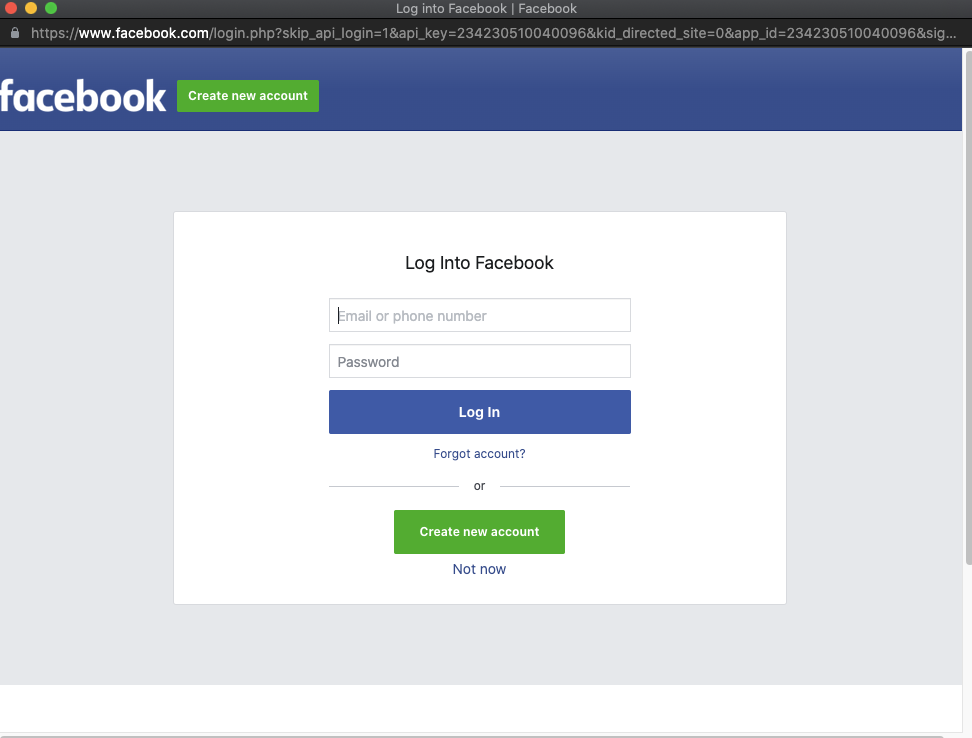
- Connect your Facebook account
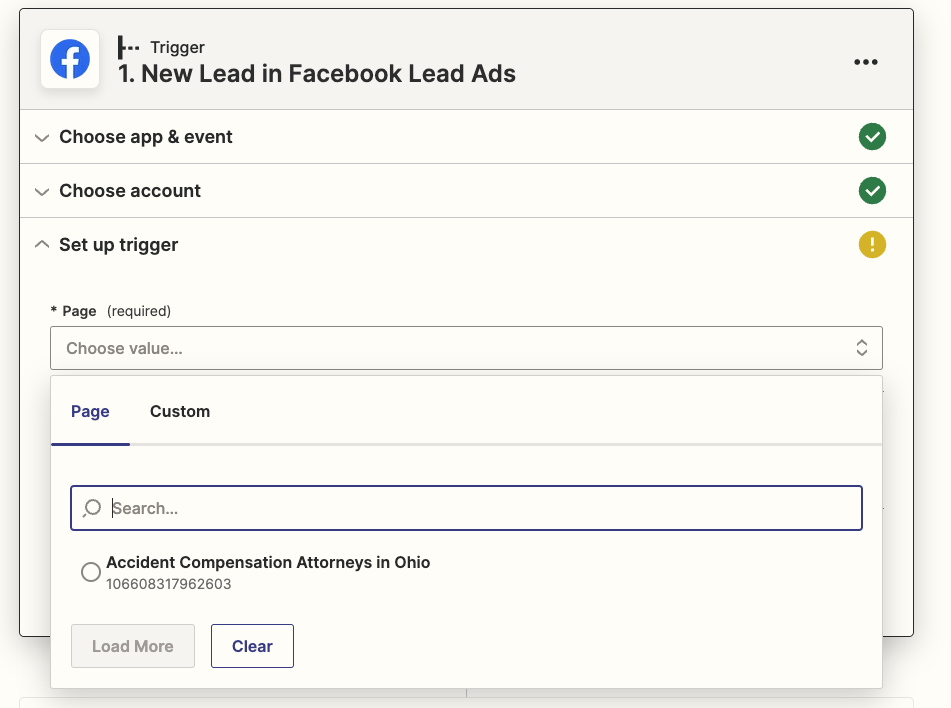
- Once connected, select the Facebook Page that you want to integrate your leads from
- Select the ad form that you’re running an active campaign on
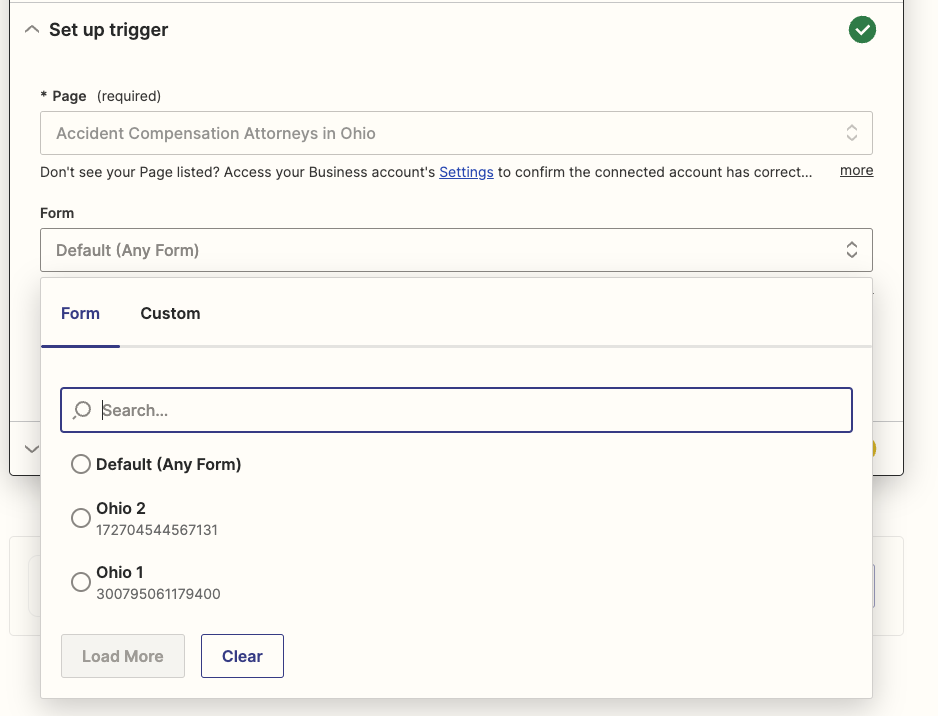
Note: If you make any changes to your ad, you will have to come back to this step and select the most updated form. Facebook creates a new form with each modification you make!
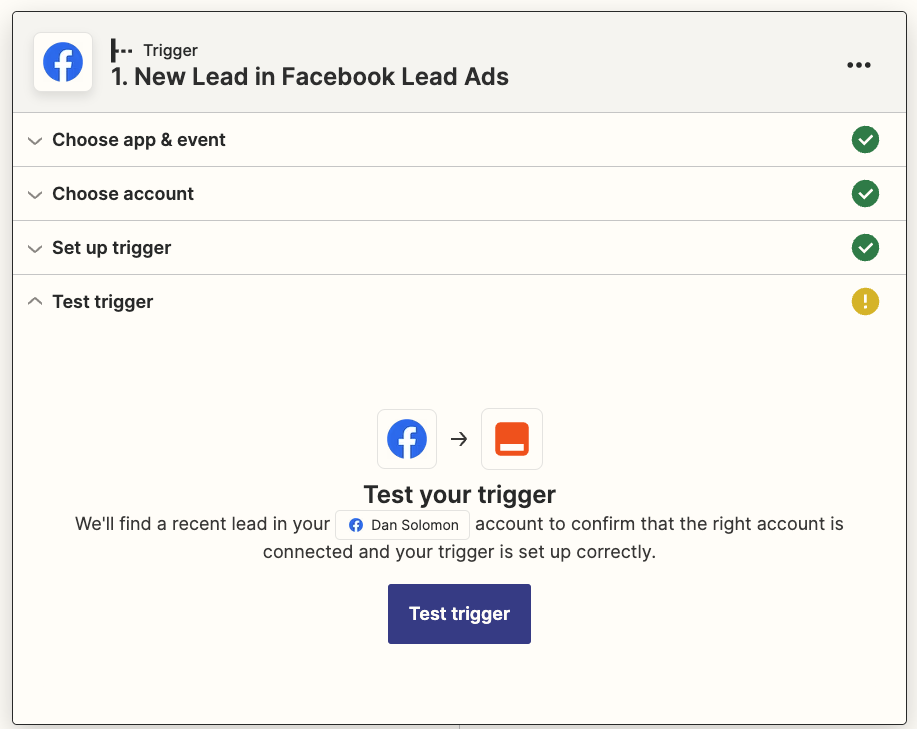
- Click on “Test Trigger” to pull a lead example to complete setting up the integration with
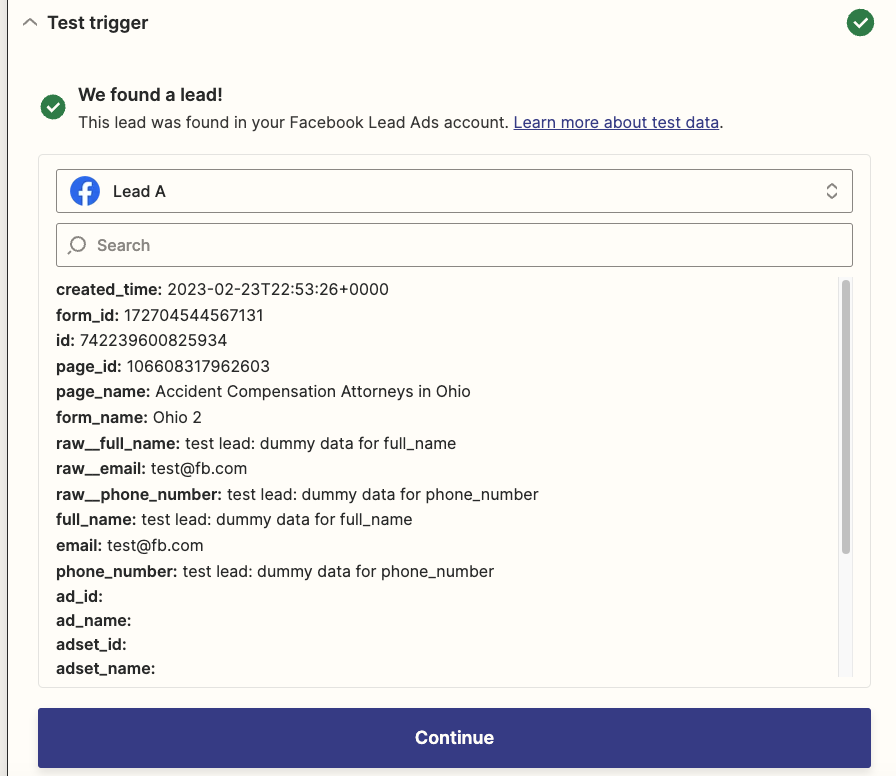
- Select a test lead and press continue
- Now that we are synced with your Facebook ad form, you now have set up a webhook to post your leads to Rocket Matter CRM.
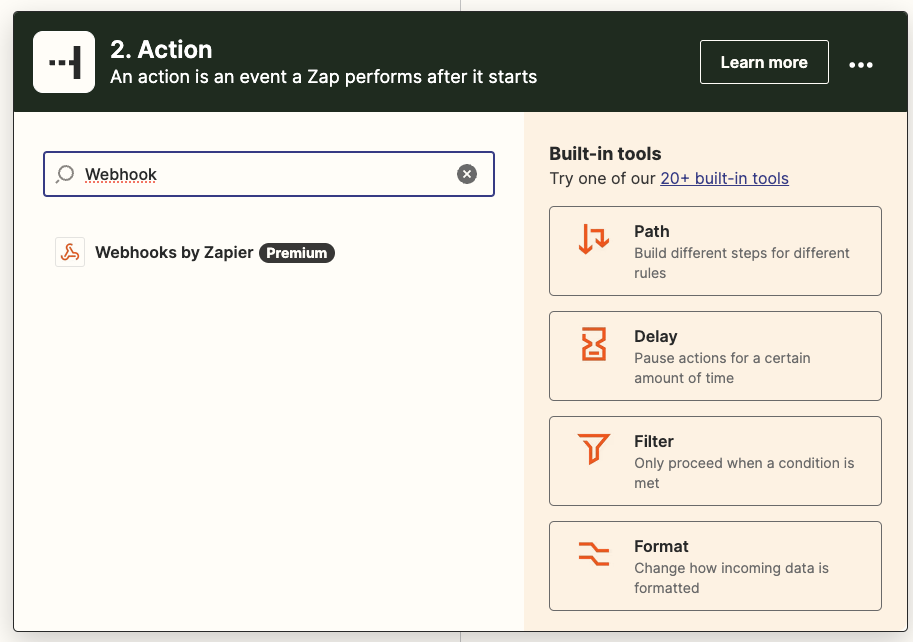
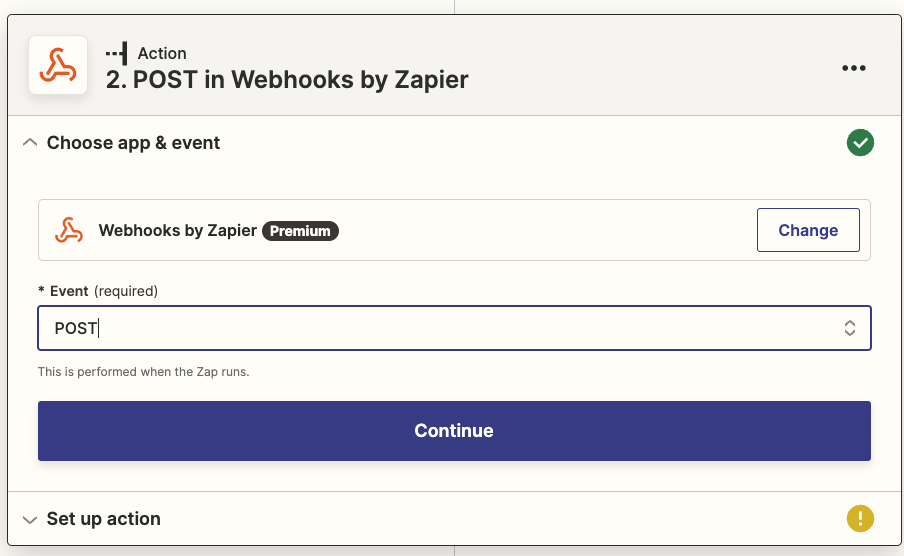
Search for “Webhook” and select “Webhooks by Zapier”
- Select “POST” under the “Event” drop down & press continue
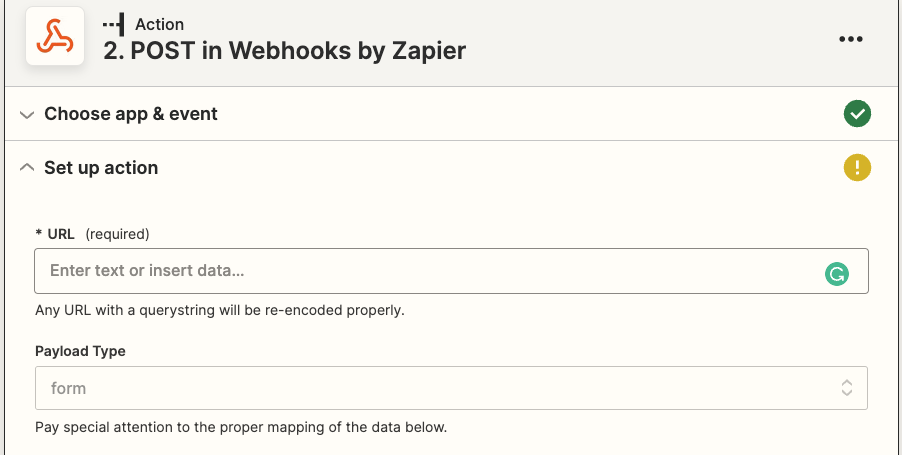
- Next step you will need to enter in your Rocket Matter CRM integration URL in the URL field
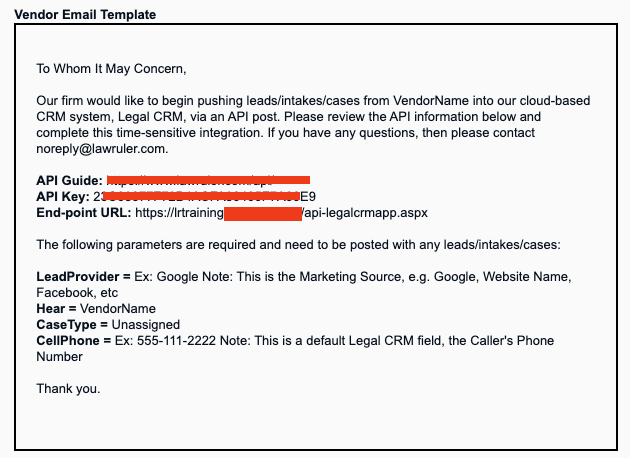
To get this information, login to Rocket Matter CRM & navigate to Setup > 3rd Party Integrations. On this page you will see a label for End-point URL:
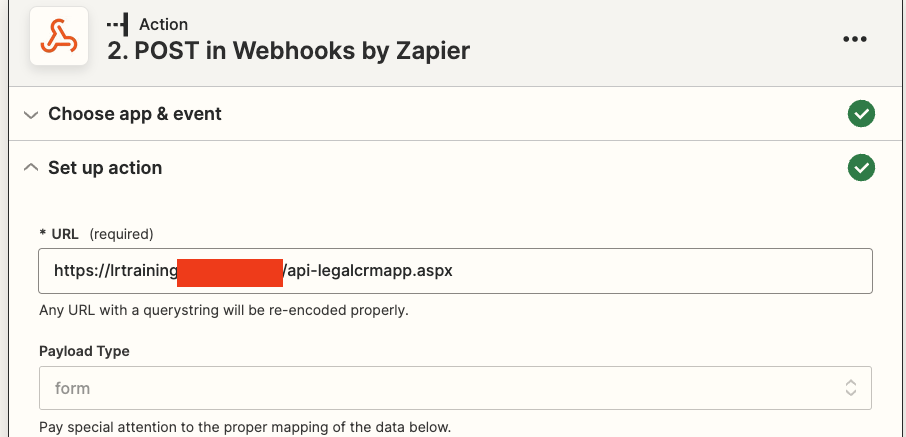
Copy and paste that into Zapier in the URL field
- Mapping your fields. In this step you can add as many data points (fields) as you like but first you need to add the required Rocket Matter CRM API parameters
- Key: (You can find this in Setup > 3rd Party Integrations > API Key)
- CaseType: (This must match the case types that are configured into Rocket Matter CRM)
- LeadProvider: (Ex: Google Note: This is the Marketing Source, e.g. Google, Website Name, Facebook, etc)
- FullName: (or FirstName & LastName)
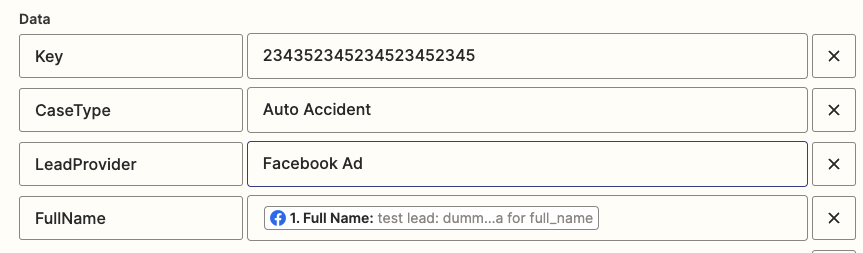
- Mapping your additional data points (fields). You now can add any other data points that are supported in the Rocket Matter CRM API guide. On the left enter in your data point name and on the right click into the field to grab data points from your facebook ad form.
We will use adding the leads email address as an example below.
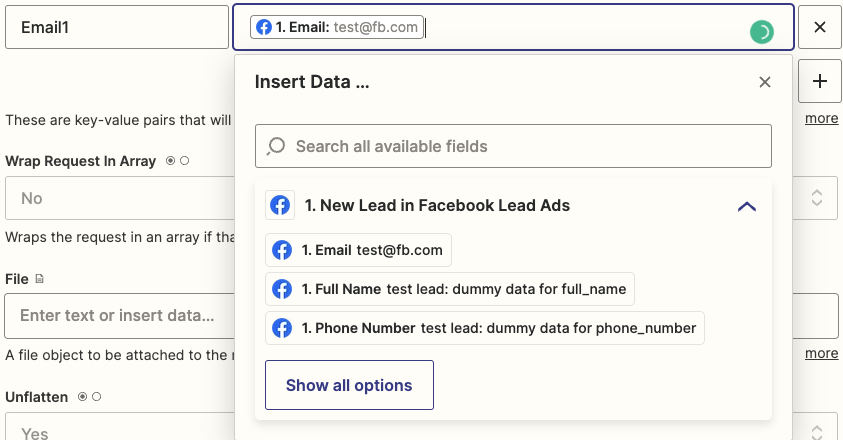
“Email1” is the default parameter for email in the Rocket Matter CRM API. So on the right I mapped it to the Facebook ad data point!
- Once you have customized your webhook by adding in your data points, you can press continue
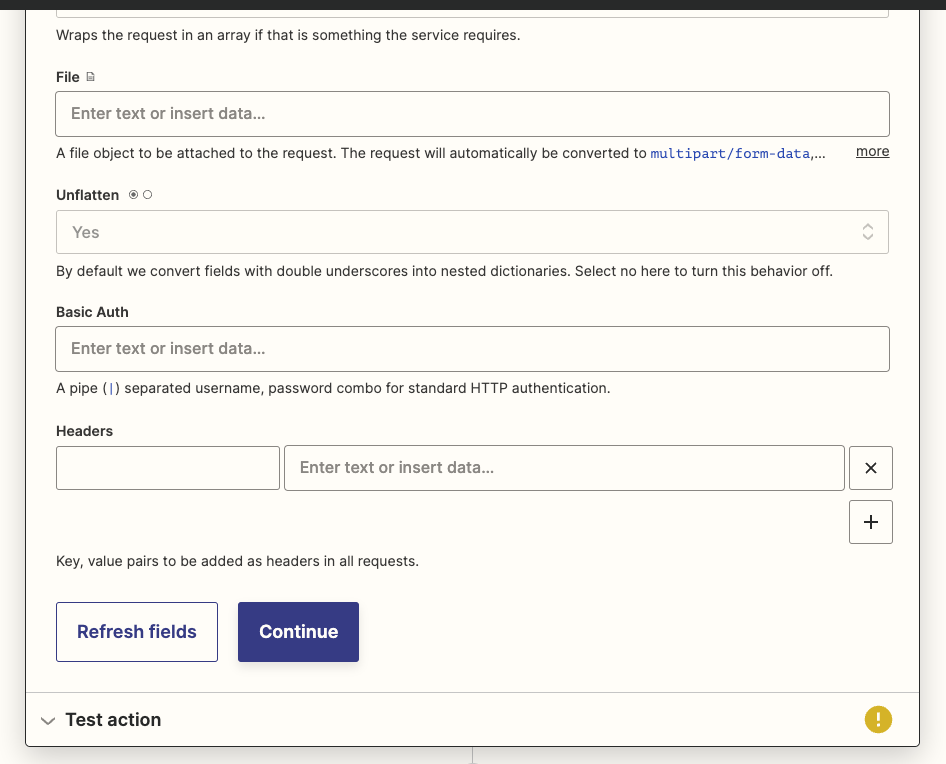
- On the last step you can click the Test action button to trigger your test lead to Rocket Matter CRM.

Once you have confirmed that your lead was successfully created in Rocket Matter CRM, and the data points are mapped as you see fit you can go ahead and publish the Zapier integration!

Click Publish Zap