How to Access Rocket Matter CRM
Find your firm's Rocket Matter CRM portal address and sign in with your work email.
Your firm's system administrator or your Rocket Matter CRM Account Manager will provide you with the web address (URL) for your firm's secure Rocket Matter CRM portal upon purchase of the software. You may also contact the support team.
Username and Password
Your username is your corporate email address.
Your password should have been emailed to you in the Welcome to Rocket Matter CRM email or provided by the system administrator for your firm.
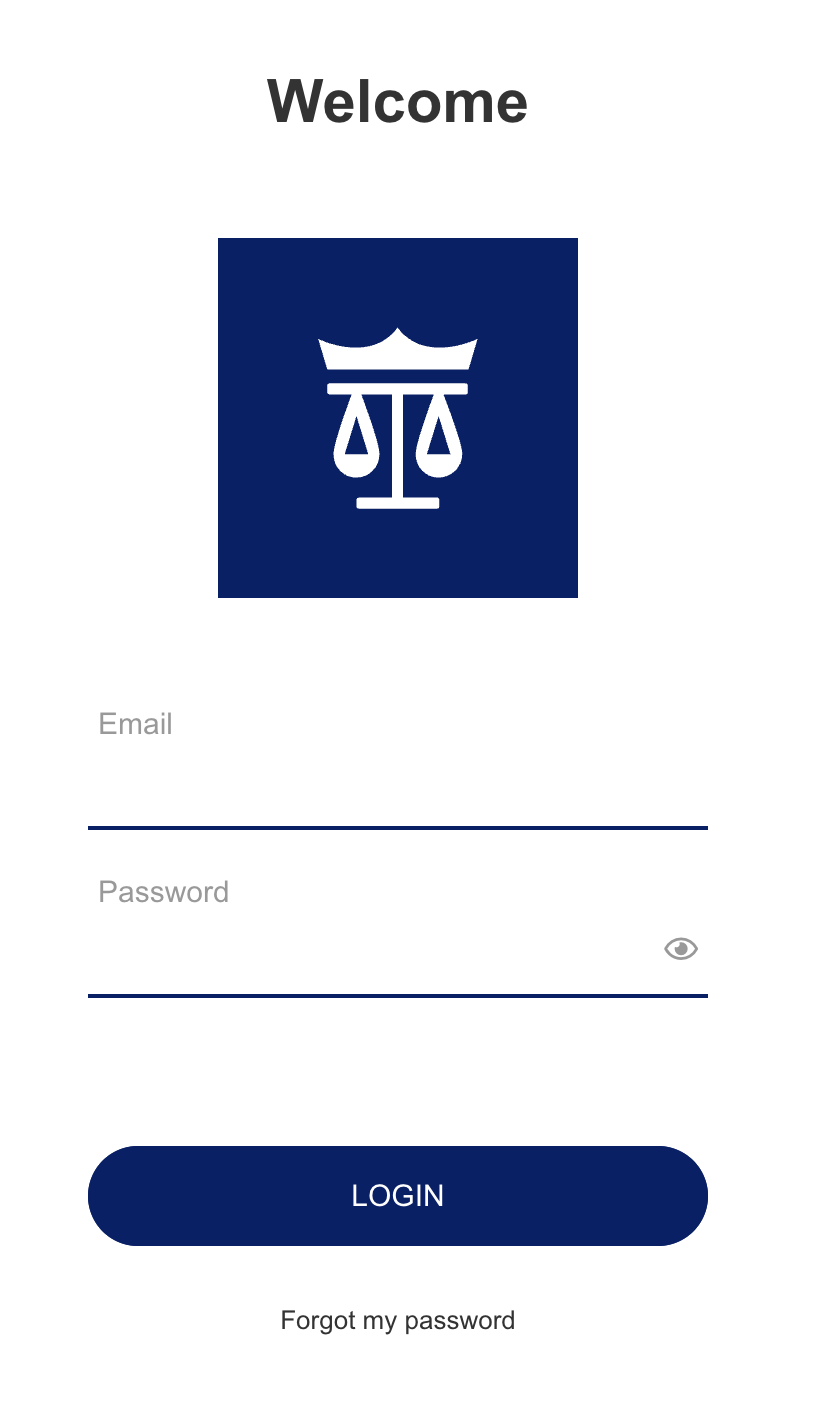
If you lose, forget, or need to reset your password, then please click Forgot my password on the Rocket Matter CRM login page (as shown below) or contact your system administrator
Users/Clients of Rocket Matter CRM
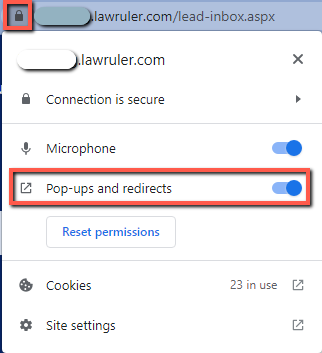
Rocket Matter CRM requires pop-ups to be enabled in your web browser. Please make sure you have allowed Pop-ups and redirects in your web browser's preferences for the lawruler.com domain. In Google Chrome, this setting can be changed by clicking the lock icon to the left of the URL bar and then selecting the Allow option for Pop-ups and redirects. If you do not see the option for Pop-ups and redirects when you click on the lock icon, navigate to Site Settings instead.