Purchase a Messaging Phone Number to Start Texting with Clients
Purchase a dedicated SMS phone number in the CRM portal to enable text messaging with your clients.
Your Rocket Matter CRM system has a built-in feature to allow your firm to start messaging clients through texting!
Note: in many instances, this will be done for you as part of the default onboarding process so that no action may be needed from your firm.
What you might need to provide to your Rocket Matter CRM representative:
- Your firm's location - your firm's registered business address.
- Your firm's preferred area code - number availability within a specific area code is based on availability with the phone provider network. Please provide an alternate if requested.
- Your firm's texting # will be configured to route all inbound calls to the main phone number for your firm, or it can be set to forward to itself. Note: additional per-minute charges will apply.
- If you would like call recording turned on for your texting number, please check with the regulations in your local area to determine if this is permitted in your area.
Purchasing your own main SMS number:
To get started, you will need to purchase a phone number in your portal to enable text messaging (admin users can only configure this)
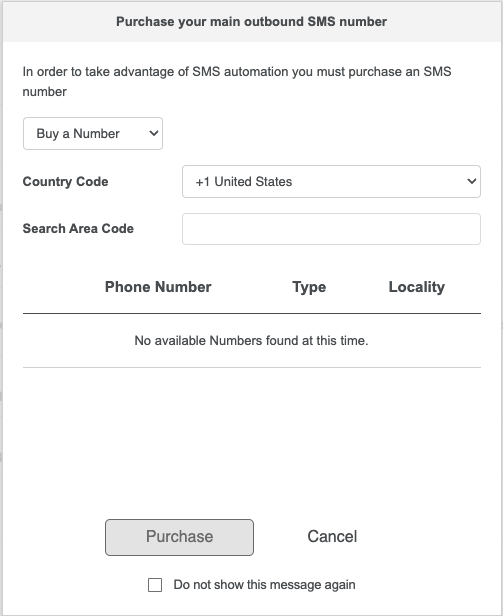
Once you log into the portal for the 1st time you will see the following pop-up in the lead inbox screen. Here you can search for your desired area code and select a number!
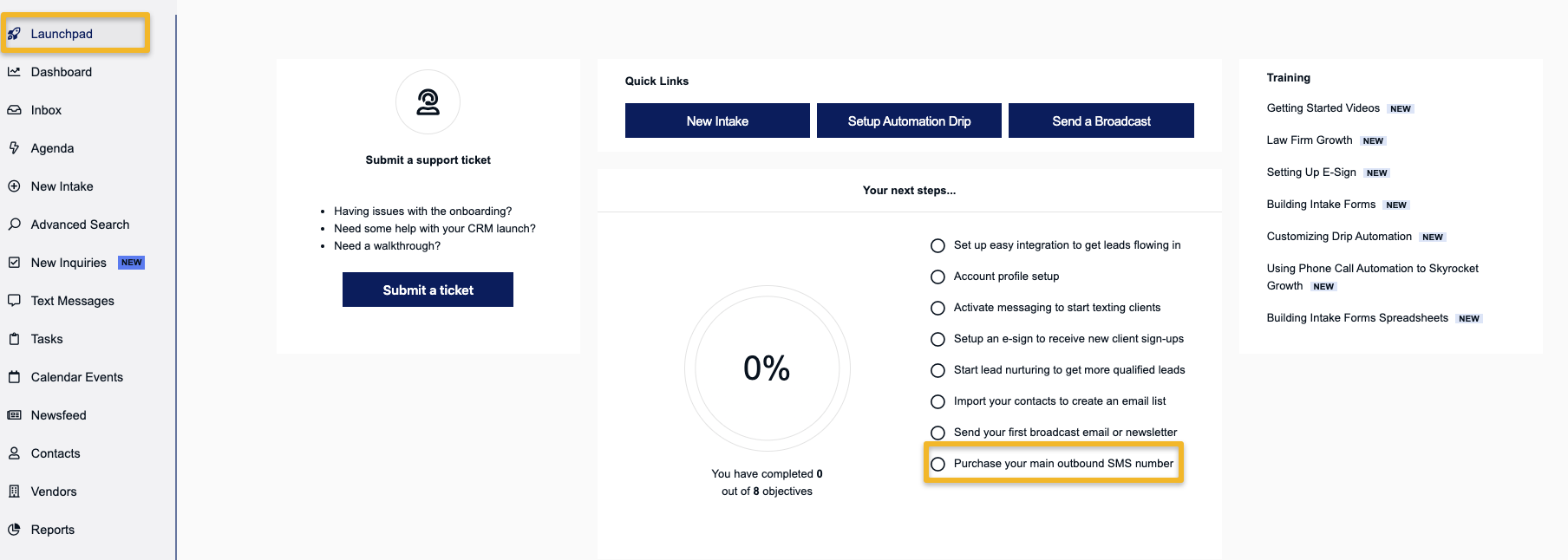
If you dismiss this pop-up and want to visit it at a later time you can access it by going to the Launchpad and selecting "Purchase your main outbound SMS number"
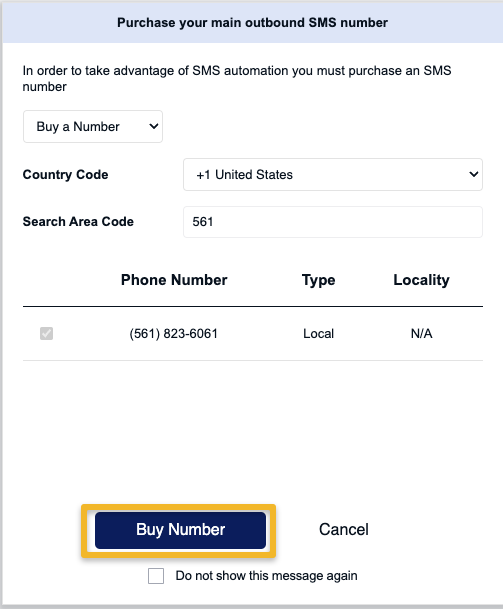
After selecting a number you can simply press "Buy Number"
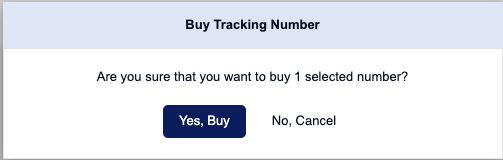
A confirmation message will pop-up to reconfirm the purchase
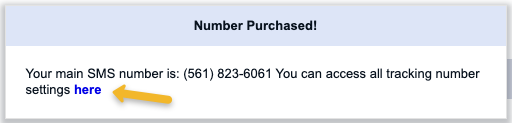
After the number is successfully purchased you can then go update the settings for it by clicking on the blue "here" text.
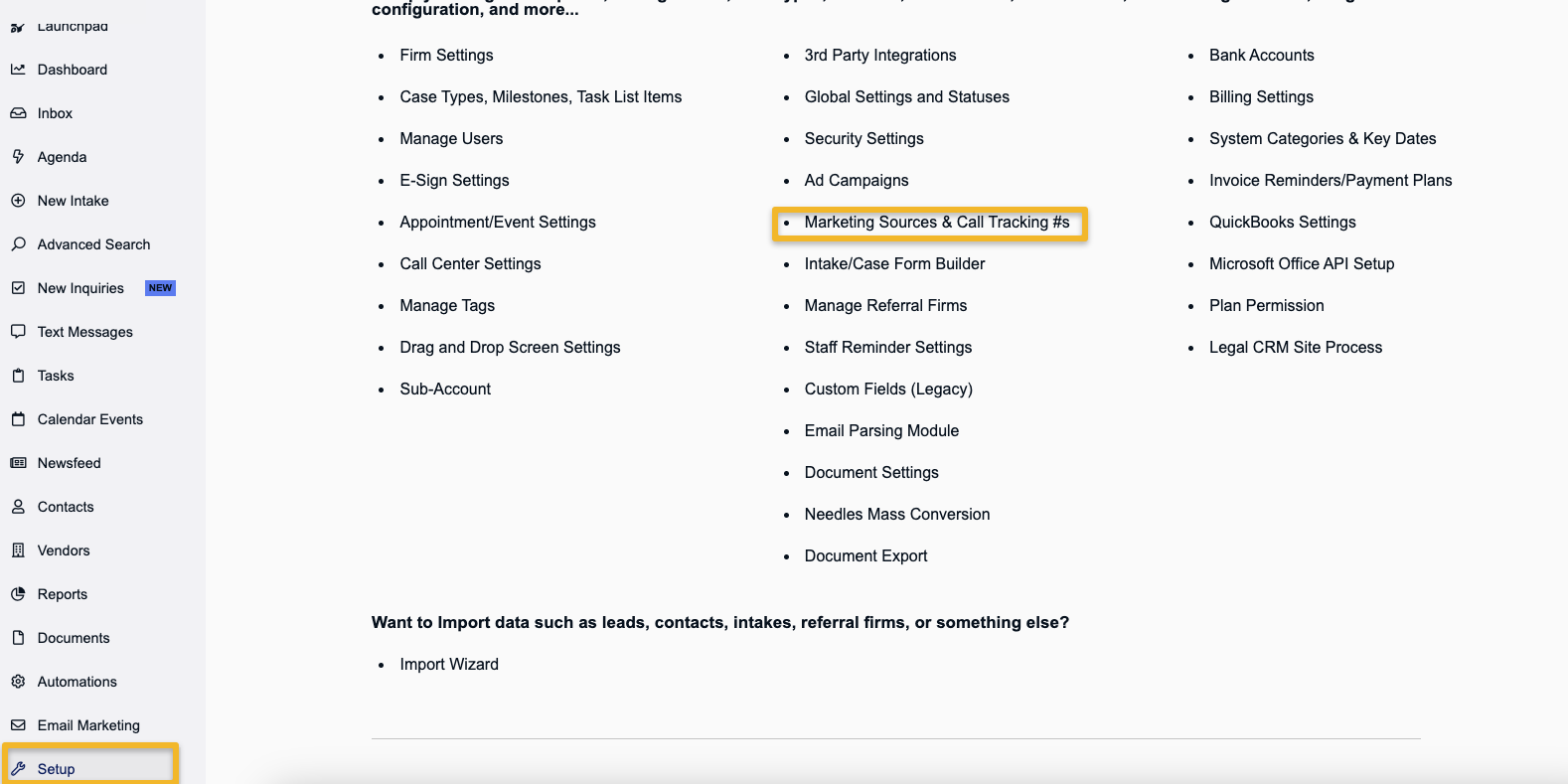
Alternatively you can also see the sms number settings by going to setup > Marketing Sources & Call Tracking #s
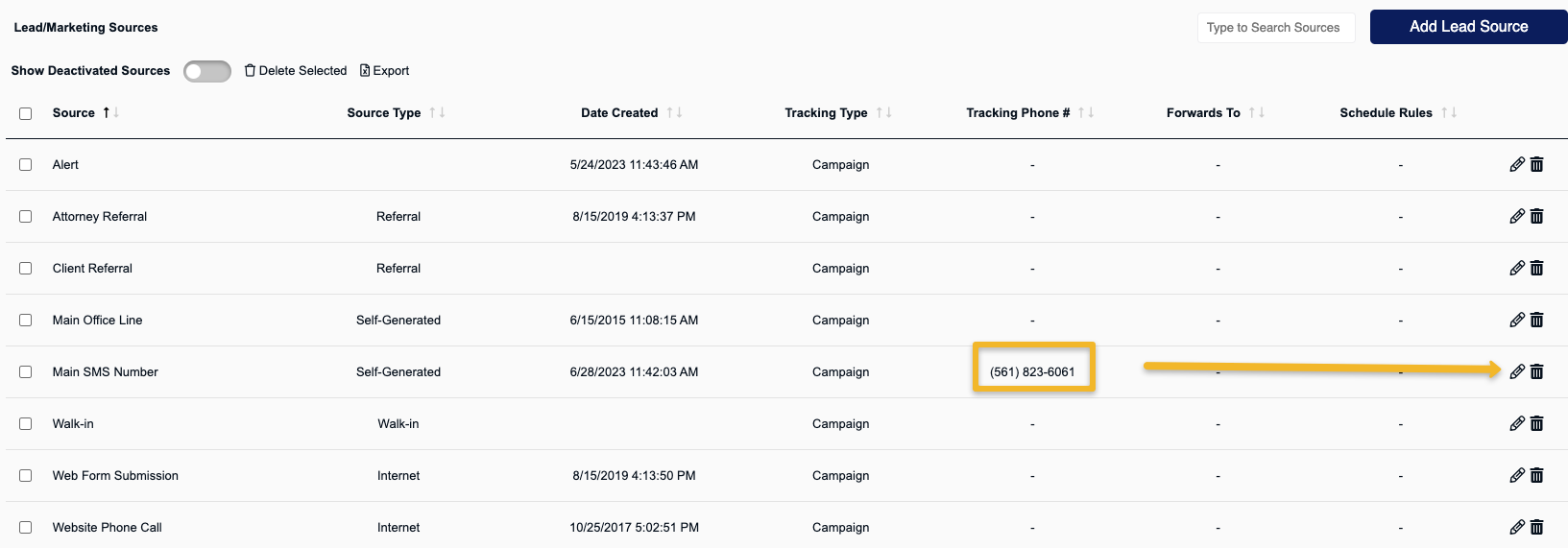
Once inside the tracking number / source page , look for the main sms number you just purchased and press the pencil icon to view all the tracking number settings.
For more information on these setting please see Setting Up/Customizing Marketing Sources and Call Tracking Numbers