More details in system emails, and more.
Enhancements
System Emails for Tasks, Events, and Comments
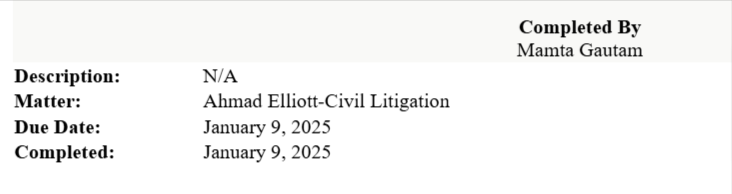
Users will see a greater degree of detail in the system emails for task completion, task reminder, comments, event reminder, event invitation, event update, and event cancellation
.
Fixes
- Users will have a visible width limit guide to stay within the limit while adjusting column width when saving views.
- Users will be able to use the Auto Trust Transfer option while creating matters in sequence.
- Users can now add matter notes with up to 10,000 characters.
- Possible matches will display while tagging selected emails from the action menu.
- When adding a timecard from tagged emails, the focus will remain on the timecard input fields.
- Users will be able to create and edit past-dated hard costs.
- The tax status for expenses will default to the status defined at the expense setup level.
- Users with only Bank List permission can create hard cost expense without getting a blank page.
- When user unchecks the Minimum Retainer Balance Required checkbox, the value will be reset to 0.
- The invoice total in create invoice screen will display correct amount for fixed fee matters.
- Emails will not be tagged unless user stops the active timer and fills out the time related information when tagging an email in the Outlook Add-in.