A deposit summary provides a record of all transactions linked to deposit slips, and it also allows you to generate a report for each specific transaction if needed.
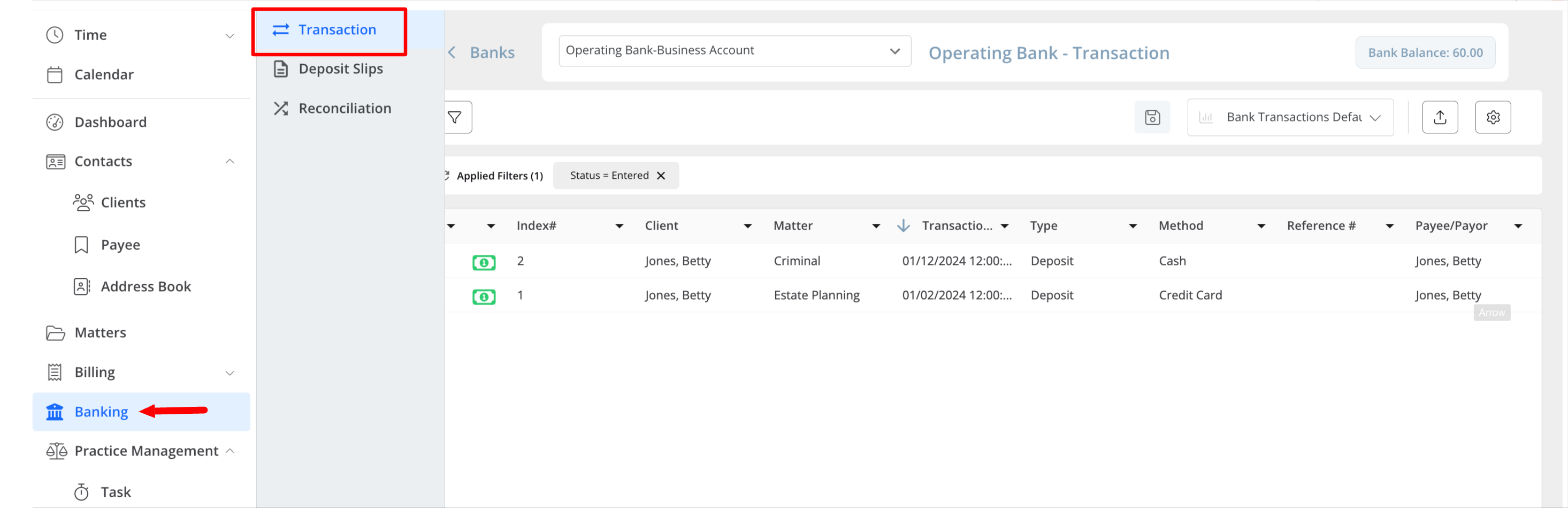
- From the left navigation panel, click Banking.
- You can either double-click the bank account to view the details or single-click to highlight it. Then, click on the three dots located to the right of the bank account and from the drop-down menu, click View.
- The list of transactions for the chosen bank account will be shown by default.