Rocket Matter Pay is Rocket Matter's built-in payment processing service. To access the portal, your firm admin must first set up the Rocket Matter Pay account.
Once the account is set up, if your firm admin has granted you Rocket Matter Pay permission, to access your Rocket Matter Pay portal:
- From the toolbar, click your Profile icon.
- From the drop-down, click Account > Account Management.
- From the Account left navigation, click Rocket Matter Pay.
- In the Transactions section of the page you can go to the portal, view payments, or view reports.
Note: You have a Rocket Matter Pay dashboard for each account. - To view a specific dashboard, in the Account Status section, click View Rocket Matter Pay dashboard below the selected account .
In your Rocket Matter Pay Portal, you can use the date range picker at the top to:
- View daily, weekly, monthly and yearly drillable dashboards.
- See payment details by amount, status, customer, and payment method. You can click to see the Payment Details for each transaction.

- View payment methods.

- View transactions.
- Generate helpful reporting to analyze your account activity by selecting the report, company, account, date range, and timezone.

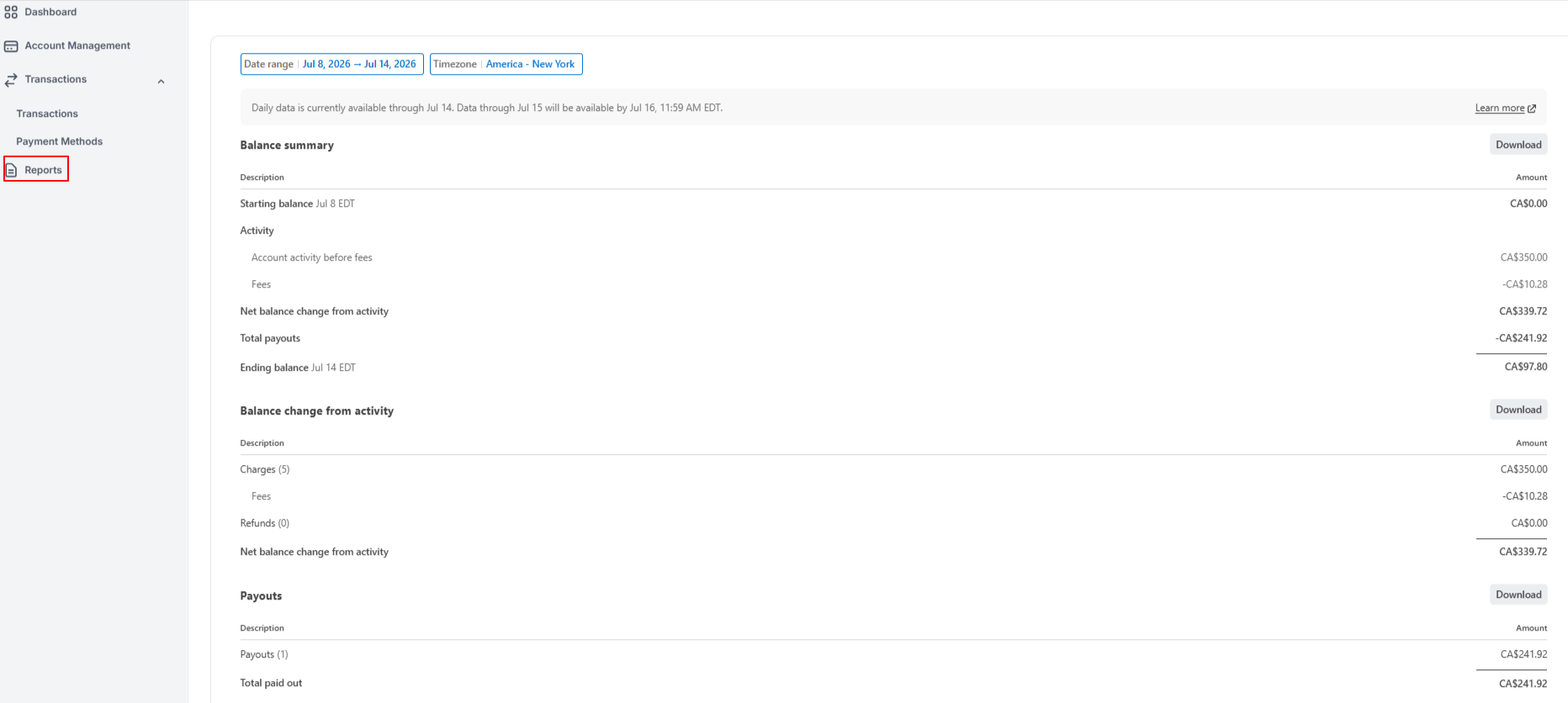
- and more...