When you integrate your account with OneDrive, you can access, edit, and save documents using Office 365.
Edit Documents in Office 365
To edit documents in Office 365:
- From the left navigation panel, click Documents.
- From the left folder structure on the Documents screen, click the OneDrive subfolder you want to access.
The documents stored within the folder display.
- To the far right of the document, click Open in OneDrive.
Office Online opens the file in Read Only mode.
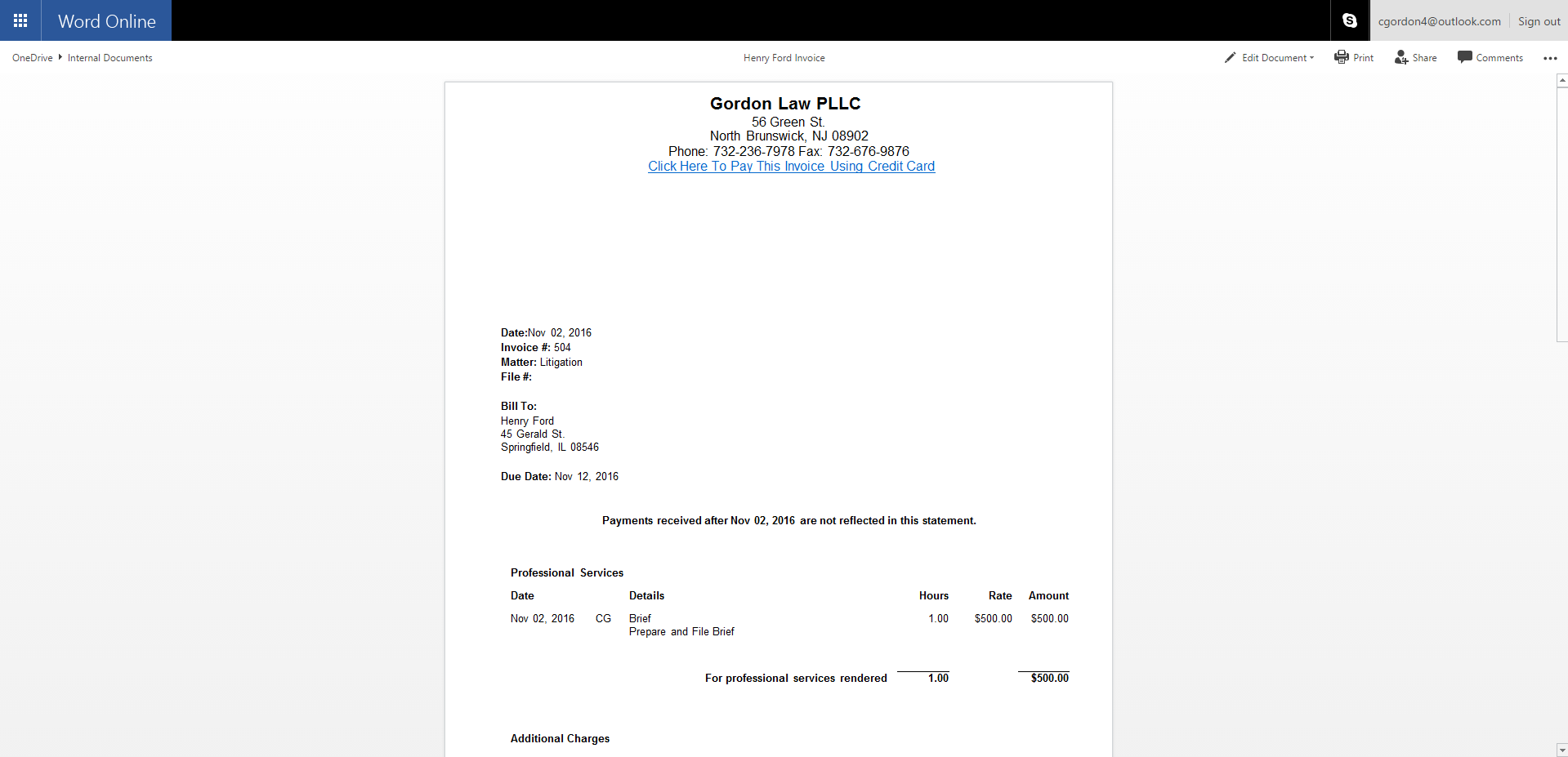
- Toward the upper right corner, click Edit Document > Edit in Browser or Edit Workbook > Edit in Browser as applicable.
- Make your changes.
The changes automatically update the application's file version.