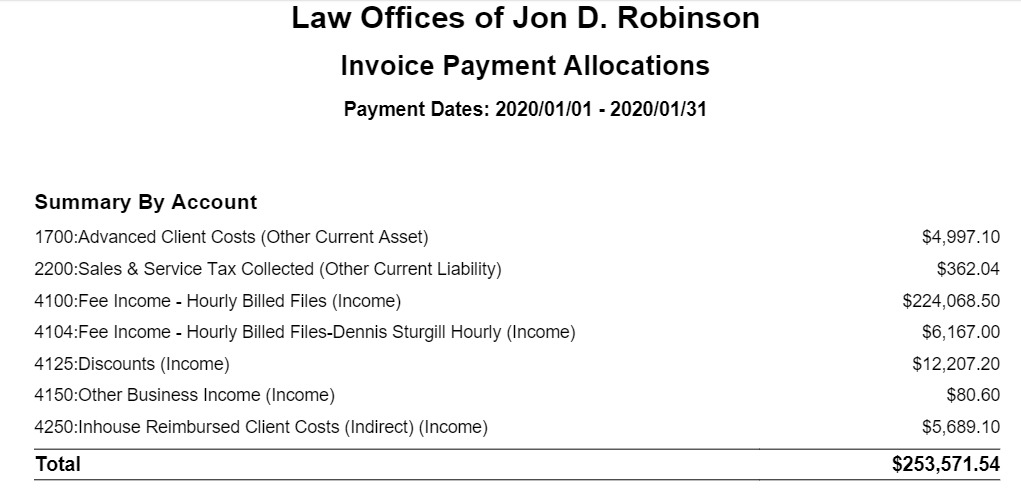
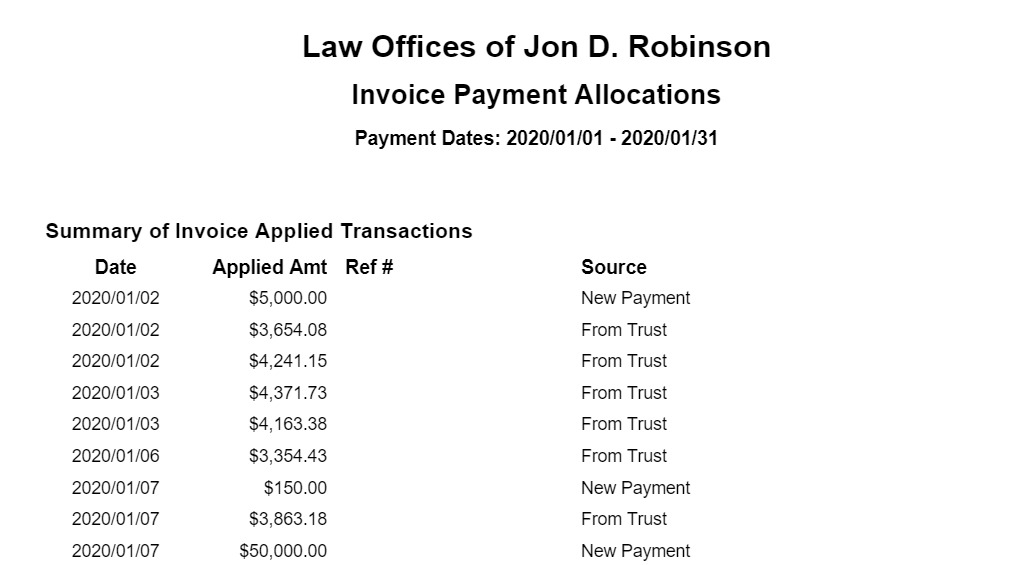
This report details the general ledger allocations for each invoice payment within a time range. The date is based on the payment applied date.
This report can be used for a variety of purposes, including:
- Periodic accounting review.
- In the case of fee disputes, the firm can present allocations to outline what portion is remaining for each invoice.
- For internal fee allocation purposes, users can see how payments are being allocated.
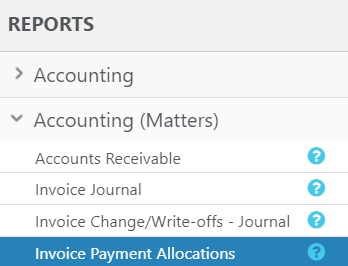
To access the report, go to Reports > Accounting (Matters) > Invoice Payment Allocations.
Report Filters

- Matter Owner: Choose all matter owners or a specific matter owner.
- Payment Date Range: The date range options you have are All Dates, Last Month, Last Year, This Month, and This Year. The range is also customizable.
- Client-Matter: Check the box to choose all client-matters. To choose a specific matter, uncheck box and type in the client matter name. You can choose to view active matters only by checking the box. To choose inactive matters, uncheck the box.
- Show: Choose to show either a detailed or summary view of the report.
View/Download
Click View to preview the report or to download, select the preferred format (Excel/pdf) and click Download. Learn more about generating reports.
Sample Report
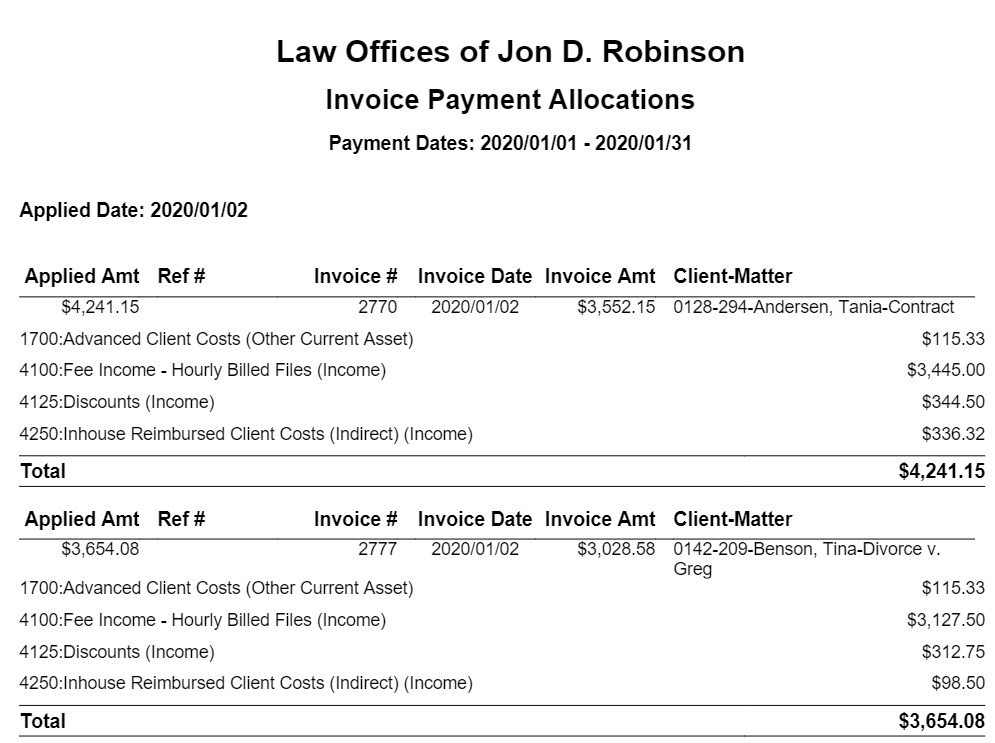
At the bottom of the report, summaries are shown based upon the following:
Invoice Applied Amount
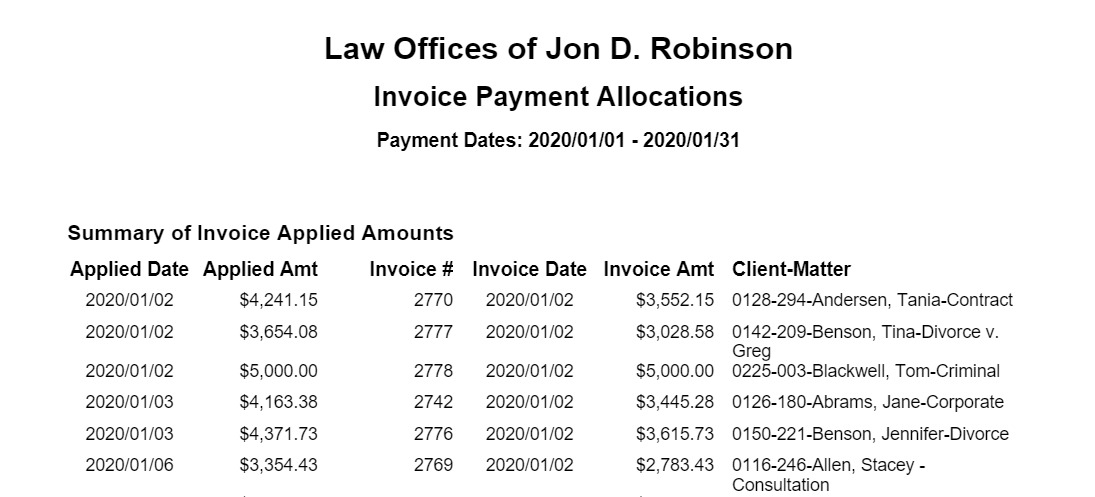
Invoice Applied Transactions
By Chart of Account